Hint: it’s not magic, it’s your tech stack.
For the customer, that ‘book now’ button is the grand finale. The decision is made. The trip is planned. Time to relax.
But behind the scenes? That single click kicks off a mini relay race involving data, payments, emails, people, and sometimes… pure chaos.
So what actually happens after a booking is made? and why should tour and activity operators care?
Step 1: First click checks your availability
From the moment a guest lands on your page, they’re seeing what looks like live pricing and dates. But that shiny “book now” button? That’s the real trigger. The system jumps into action, checking whether there’s actually still a spot left.
Sounds simple enough, until you factor in every platform you’re listed on. A wide array of integrations is necessary in 2026 so that single click might trigger a half-dozen systems all talking to each other (or not). If your availability isn’t synced in real time, you’re in dangerous territory.
Real-world headache:
As travel demand surged after the pandemic, many operators expected smoother sailing. Instead, some saw a spike in double bookings, especially those still relying on manual tools or outdated systems. Overbookings often come down to human error and lack of real-time syncing between sales channels.
The result? One customer shows up, then another, then a third… all booked into the same seat or slot. That’s not just a tech issue. It’s an operational catastrophe, and all of a sudden, your 5-star review is in jeopardy before the tour even starts.

The fix:
You need proper live availability. Cached data might shave milliseconds off a page load, but it costs you hours of customer service. The best way to protect your reputation (and your front desk staff) is to make sure all channels are working from the same source of truth.
Step 2: Payment is processed
Next comes the money. Depending on how your system is set up, the funds might go straight to your account or take a detour through a third-party processor. Behind the scenes, it’s a flurry of gateway handshakes, fraud checks, and fee calculations—all happening in a matter of seconds.
Did you know?
According to Adyen, as many as 1 in 8 online payments fail. Why? Expired cards, mismatched billing details, and those awkward 3DS prompts that confuse even seasoned travellers.
And the worst part? Most failed payments don’t get retried, the customer just disappears.
The fix:
Your platform should make it easy to try again. Clear error messages and a simple to follow retry flow can rescue a lost sale in seconds. If a guest sees “Something went wrong” with no explanation and no way back? That booking’s gone.
Step 3: Confirmation emails fire off
After booking, the customer expects a confirmation email that is fast and clear. This email should include meeting or departure details (exact address, time), the ticket or QR code, and perhaps a friendly note, such as “We can’t wait to see you.”
Why it matters:
28% of activity travellers book last-minute (on the day or just days before). That means in‑destination bookings are common, and those instant confirmations need to work every time.
Real-world headache:
Imagine you’re a sightseeing cruise and you lose a tour group simply because the confirmation said “meet at the dock”, without specifying which dock.
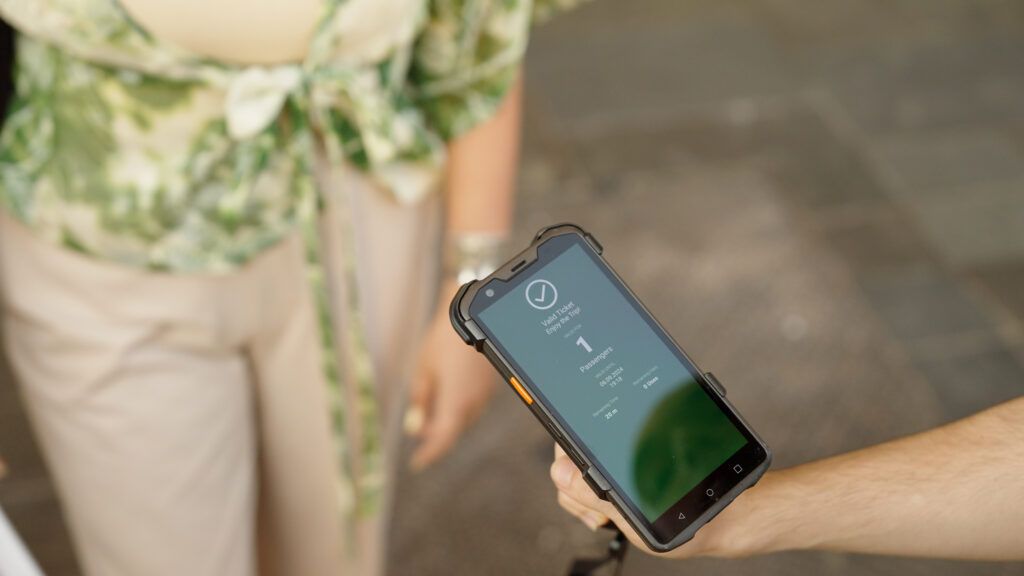
Operator takeaway:
- Send confirmations immediately, ideally within seconds.
- Include all crucial details: date, time, full meeting address (a Google Maps link is helpful), booking reference, and QR code (if applicable).
- Add a human touch (“We’re so excited to welcome you!”), It’s memorable and sets the right tone.
Neglecting this step turns a smooth booking into operational chaos, and it can undo all the good work before guests even arrive.
Step 4: Data is stored (or not)
If the booking came from your own site, you’ll likely get full guest details. If it came via an OTA? Maybe not. Some platforms keep emails to themselves, which means no follow-up, no review request, and no remarketing.
Operator takeaway:
Customer data is gold. Work with systems that give you access, or build consent-based opt-ins into your post-visit flow.
Step 5: The manifest updates
Now the logistics engine kicks in. Your back office gets the booking, the scanners prep the barcode, and the guide sees who’s coming. Ideally, everything’s automated. If not? Someone’s on the phone printing paper tickets from an inbox at 6:58 am.
Operator takeaway:
Your front-line team should be hosts, not troubleshooters. The right tech saves their time and sanity.
Step 6: The guest arrives
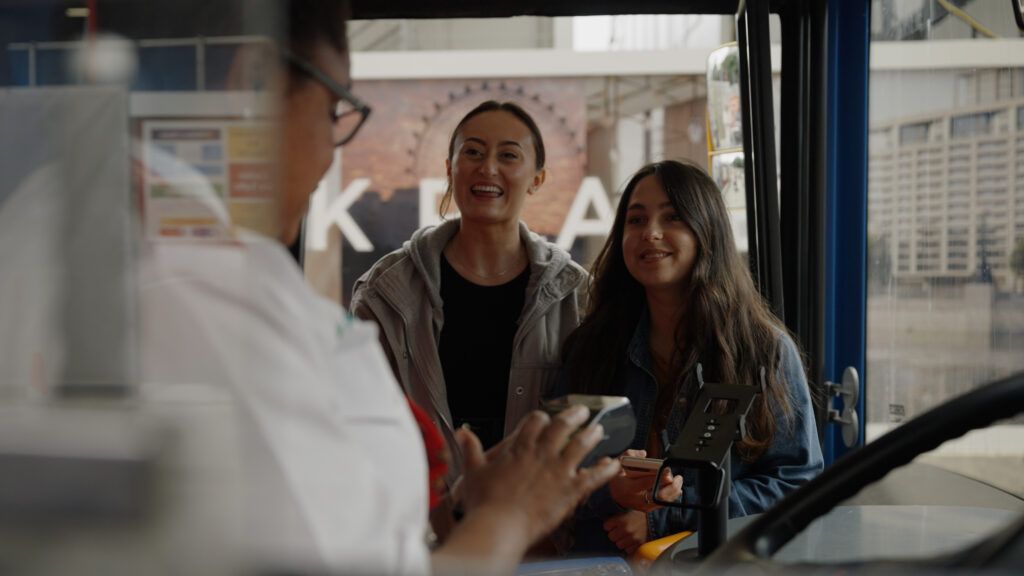
They’ve booked. They’ve paid. They’ve found your meeting point. Now it’s your moment to shine.
But if anything’s gone wrong so far, if the ticket info was missing, or they were told to meet at “the statue” with five statues nearby, you’re already playing catch-up.
Operator takeaway:
Every touchpoint before the guest arrives shapes their trust. Don’t let poor communication undo your hard work.
The hidden chain that defines your guest experience
It’s easy to forget how much happens between “book now” and “welcome aboard.” But in that short window, you’ve got multiple systems and teams working together, or falling apart.
Great guest experiences don’t start when the tour begins. They start the moment someone decides to book.
Final thought
A good booking flow is invisible. It just works. But behind that seamless journey is a whole lot of smart tech, connected systems, and well-planned processes.
When it all works, your guests feel calm, confident, and excited. When it doesn’t? You’re refunding, rebooking, and writing apology emails on a Sunday morning.
Want a quick check on your ticket flow? We’re happy to walk you through it, with no tech jargon, no judgment, and just practical advice.