There is a point where a perfectly adequate ticketing setup becomes… less adequate.
Usually somewhere between adding timed entry, opening a second ticket desk, giving a hotel partner access to tickets and discovering that Saturday at 11:00 is apparently sold out in one system but not another.
For mid-sized museums, the best ticketing system is not necessarily the one with the most features. It is the one that keeps online sales, admissions, capacity and visitor information connected without requiring a small archaeological dig through spreadsheets every morning.
So, if you are comparing museum ticketing software for a mid-sized museum, these are the nine things we would look at.
1. Timed entry that is actually easy to manage
Timed entry can help spread arrivals across the day, but it should not create another full-time job.
You should be able to:
- create different time slots
- set capacity by slot
- change availability quickly
- deal with early and late arrivals
- see which periods are filling up
The aim is to manage visitor flow, not create 48 tiny booking products called Tuesday 10:15.
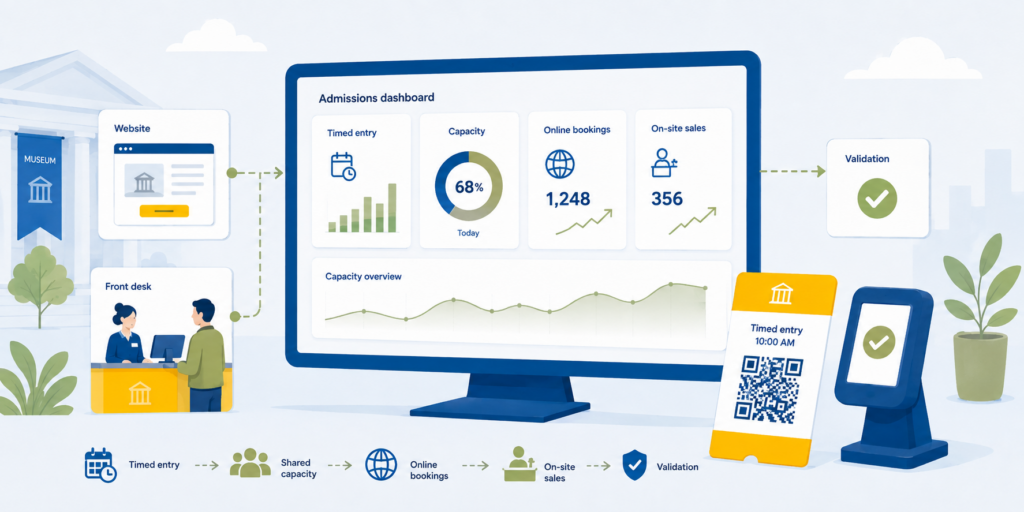
Your website, ticket desk and sales partners should all be selling from the same availability.
If somebody buys the final two tickets online, the person standing at your admissions desk should not be able to accidentally sell them again.
This matters particularly on exhibition opening weekends, school holidays and those inexplicable Tuesdays when everyone in the city appears to have simultaneously decided to visit a museum.
Palisis allows museums to set capacity limits and booking slots while sharing live availability across sales channels. You can see more on our ticketing and reservation system for museums and historical attractions.
3. Online and on-site sales in the same system
Some visitors plan three weeks ahead.
Others spot your building while walking past and decide to come in.
Both are good customers.
Your museum ticketing system should therefore handle advance bookings and walk-up sales without treating them as two separate businesses.
Ideally, your website, point of sale and admissions team should all see the same products, pricing and availability.
If you want the basics of how that kind of setup works, we have a separate guide to what a reservation system is.
4. Fast ticket validation
Buying the ticket is only half the journey.
The visitor still needs to get through the door.
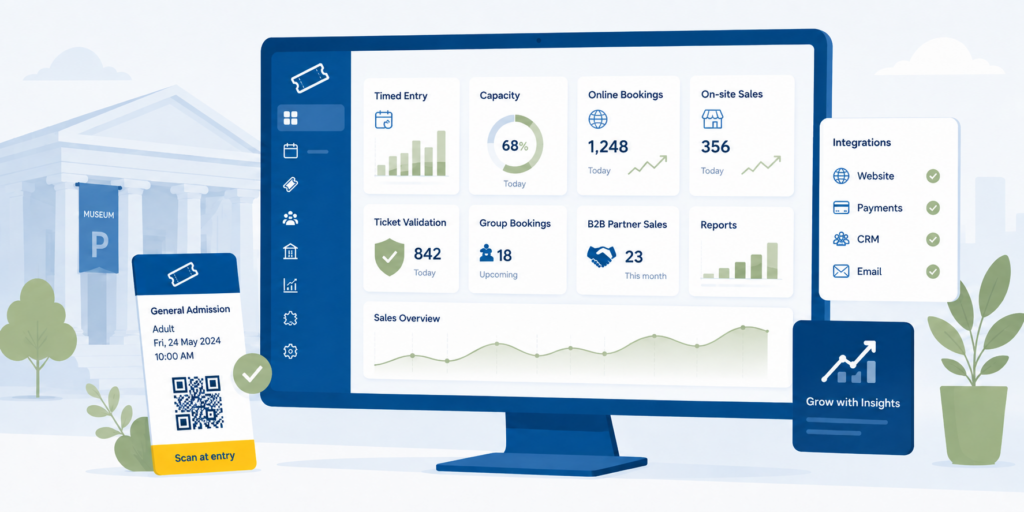
QR codes, barcode scanning and dedicated validation devices can make entry much quicker, particularly when several hundred people decide that 10:57 is the perfect time to arrive for an 11:00 slot.
Look at:
- scanning speed
- mobile and printed tickets
- duplicate-ticket detection
- offline validation
- what staff see when a ticket fails
We have a separate guide on ticket validation for busy attractions if entry queues are a particular pain point.
5. Group bookings that do not require interpretive dance
Schools, coach groups, private tours and travel trade bookings rarely behave exactly like an individual admission ticket.
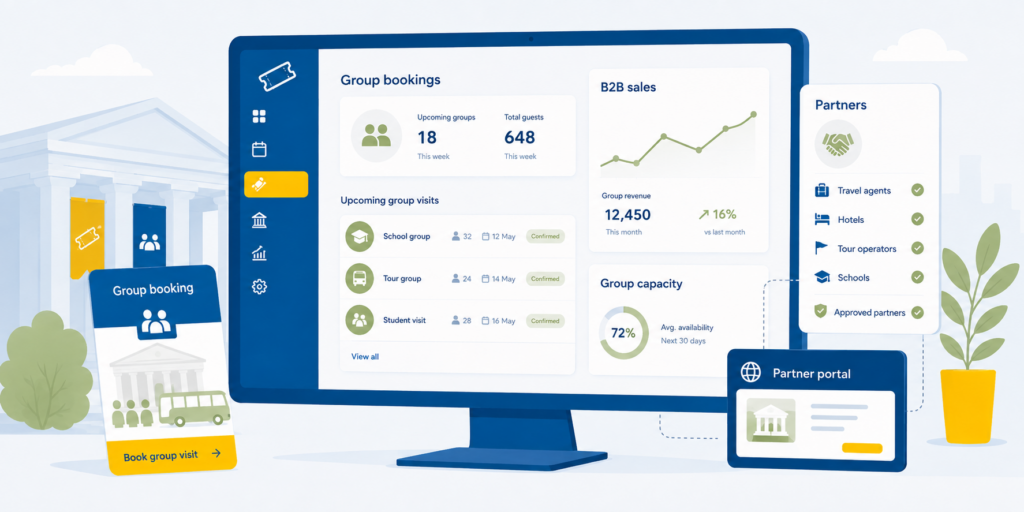
Your system should make it straightforward to manage larger bookings, different ticket categories and capacity without asking staff to invent a workaround every time 34 schoolchildren arrive.
If groups are an important part of your business, test them during the software demo.
Do not just let the salesperson show you one adult ticket being booked beautifully.
Make them book the awkward thing.
6. B2B and reseller sales
Museums often sell through more channels than they realise.
Hotels, travel agents, destination passes, visitor centres, DMCs and OTAs can all become useful sources of visitors.
The question is how much admin they create.
Good B2B booking tools can allow approved partners to see availability and make bookings themselves rather than emailing your team every time they need four tickets for Thursday.
If this is an area you are developing, our guide explains what a B2B reseller is and how the relationship works.
7. Pricing and ticket types that reflect the real museum
Adult.
Child.
Student.
Senior.
Family.
Member.
Resident.
School group.
Temporary exhibition.
General admission plus exhibition.
Suddenly “we sell museum tickets” sounds rather optimistic.
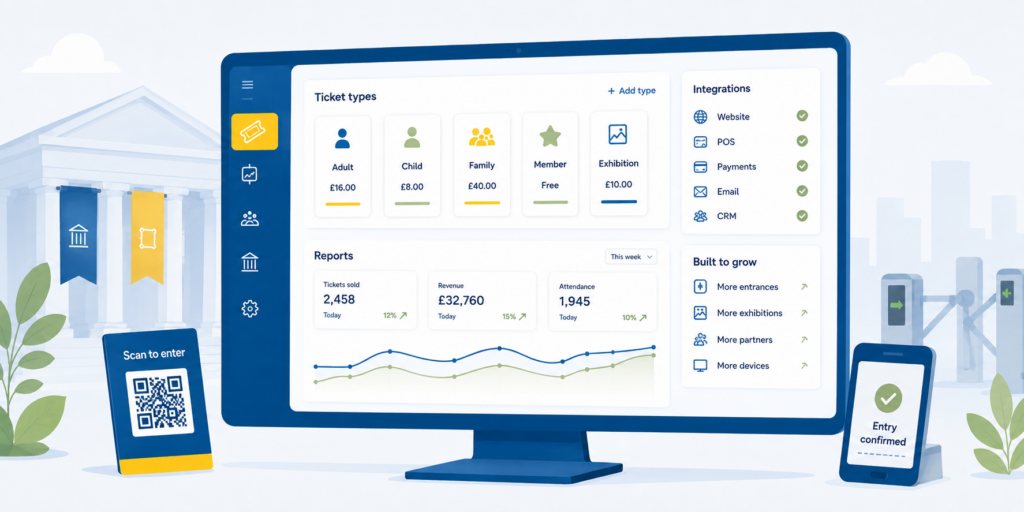
Your software needs enough flexibility to support the products you actually sell, without staff needing a laminated sheet explaining which combination of buttons creates a family ticket.
That also applies to promotions, bundles, concessions and different admission rules.
8. Reporting that answers useful questions
You probably do not need another dashboard containing 47 colourful graphs.
You do need answers.
Which time slots fill first?
How many visitors booked online?
Which partners are selling?
What proportion of visitors buy on arrival?
Which ticket categories are growing?
When are you busiest?
The latest UK Government Participation Survey found that 41% of adults in England visited a museum or gallery in person during 2024/25. The full Participation Survey is available from the Department for Culture, Media and Sport.
There is plenty of demand to understand. Your ticketing data should help you understand your particular piece of it.
9. A system that can grow without becoming enormous
Mid-sized museums occupy an awkwardly important middle ground.
You have probably outgrown the simplest booking tools, but you may not need an enormous enterprise system that takes six months and seventeen meetings to change a ticket category.
Look at what happens as you grow.
Can you add another entrance?
Another exhibition?
Another POS device?
More reseller partners?
More ticket types?
Can the system connect to other technology you already use?
And, just as importantly, can your team actually use it?
One useful example is Vienna’s Belvedere Museum, which uses Palisis for ticketing and time-slot management. You can read the Belvedere Museum case study to see how that works in practice.
So, what is the best ticketing system for a mid-sized museum?
There is no single system that is best for every museum.
The best museum ticketing software for a mid-sized museum should make it easy to manage timed entry, capacity, online and on-site sales, validation, groups, partners, pricing and reporting without creating extra manual work between them.
Our favourite question to ask during any software demo is still:
What will my team have to manage manually after we implement this?
That tends to reveal considerably more than a feature checklist.
If you are currently reviewing your museum ticketing setup, you can explore Palisis for museums and historical attractions or talk to the Palisis team about what you are trying to improve.
FAQs about museum ticketing systems
What is museum ticketing software?
Museum ticketing software manages admission products, bookings, availability and visitor entry. More advanced systems can also manage timed entry, on-site sales, ticket validation, groups, reseller bookings and reporting.
What should a mid-sized museum look for in a ticketing system?
Look for shared real-time availability, timed entry, online and on-site sales, quick ticket validation, group booking tools, flexible pricing, B2B sales, useful reporting and the ability to integrate or grow as your operation changes.
Does a museum need timed-entry ticketing?
Not every museum does. Timed entry is most useful where visitor arrivals need to be spread across the day, individual exhibitions have limited capacity or particular periods regularly become overcrowded.
Can museum ticketing software connect to OTAs and resellers?
Yes. Depending on the platform, museums can sell through direct B2B partners, OTAs and other distributors while sharing availability with their direct sales channels.
Can museum ticketing software manage both online and walk-up sales?
Yes. A connected system can combine advance online bookings with ticket-office or point-of-sale transactions so both channels work from the same availability.